Showing posts with label VEX. Show all posts
Showing posts with label VEX. Show all posts
Saturday, 30 April 2016

Thursday, 28 April 2016
Tree Maker Tool - part 4
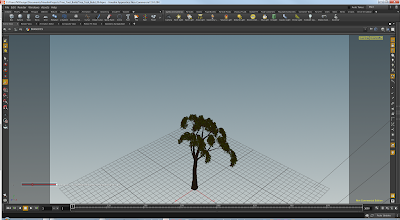
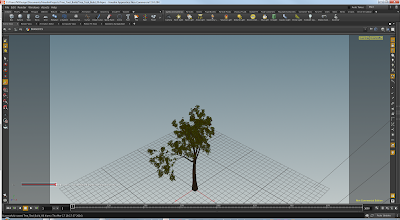
In this part on the Tree Maker, I've added some additional settings for the leaves, creation, placement and orientation. This gives the leaves a more realistic look.


Images below demonstrate the difference,
without and with the additional placement of leaves


Wednesday, 20 April 2016
Tree Maker Tool - part 3
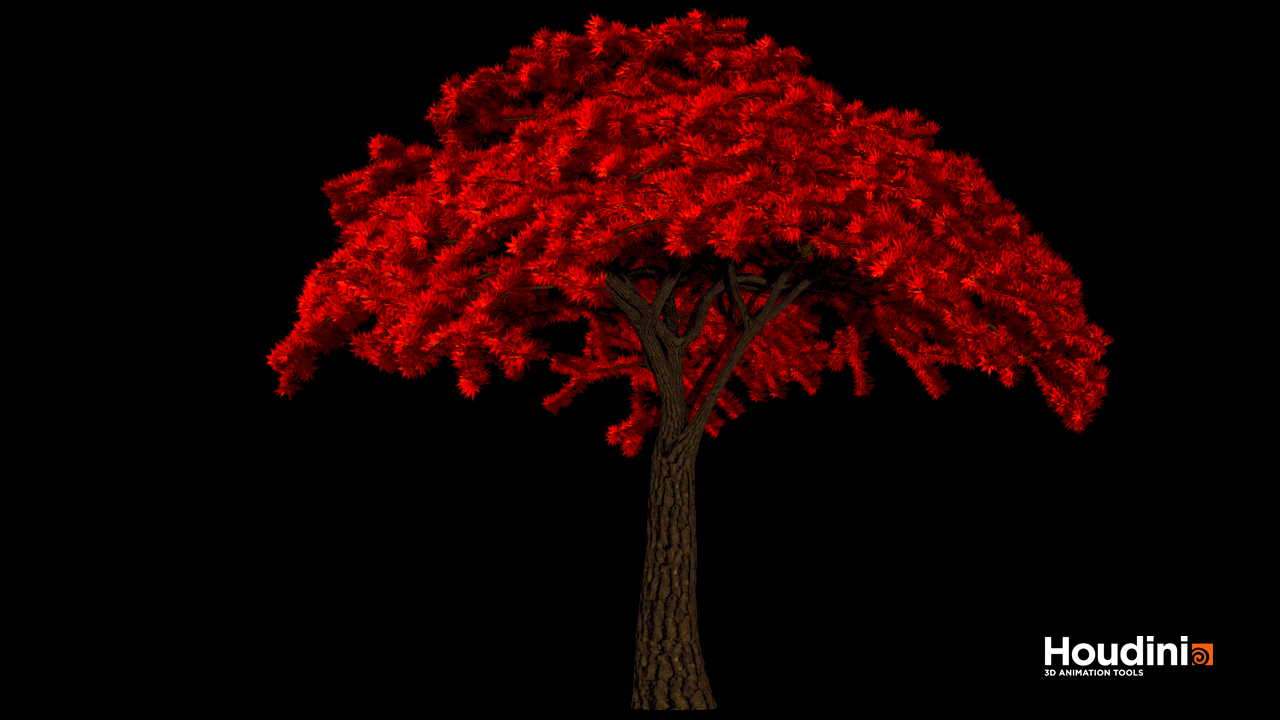
The following rendered trees, demonstrate some of the variations of tree types that can be generated with the Tree Maker Tool.




Tuesday, 29 March 2016
Tree Maker Tool - part 2
Tree Maker Tool - Test Renders


5 unique trees used in following instance renders

20,000 instanced trees recycling 5 unique trees

40,000 instanced trees recycling 5 unique trees
Thursday, 17 March 2016
Tree Maker Tool - part 1
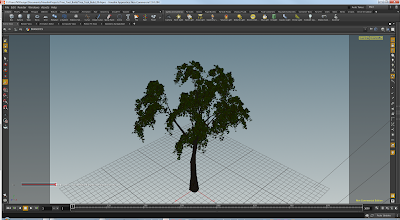
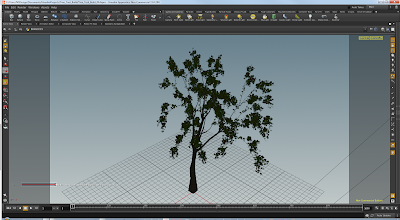
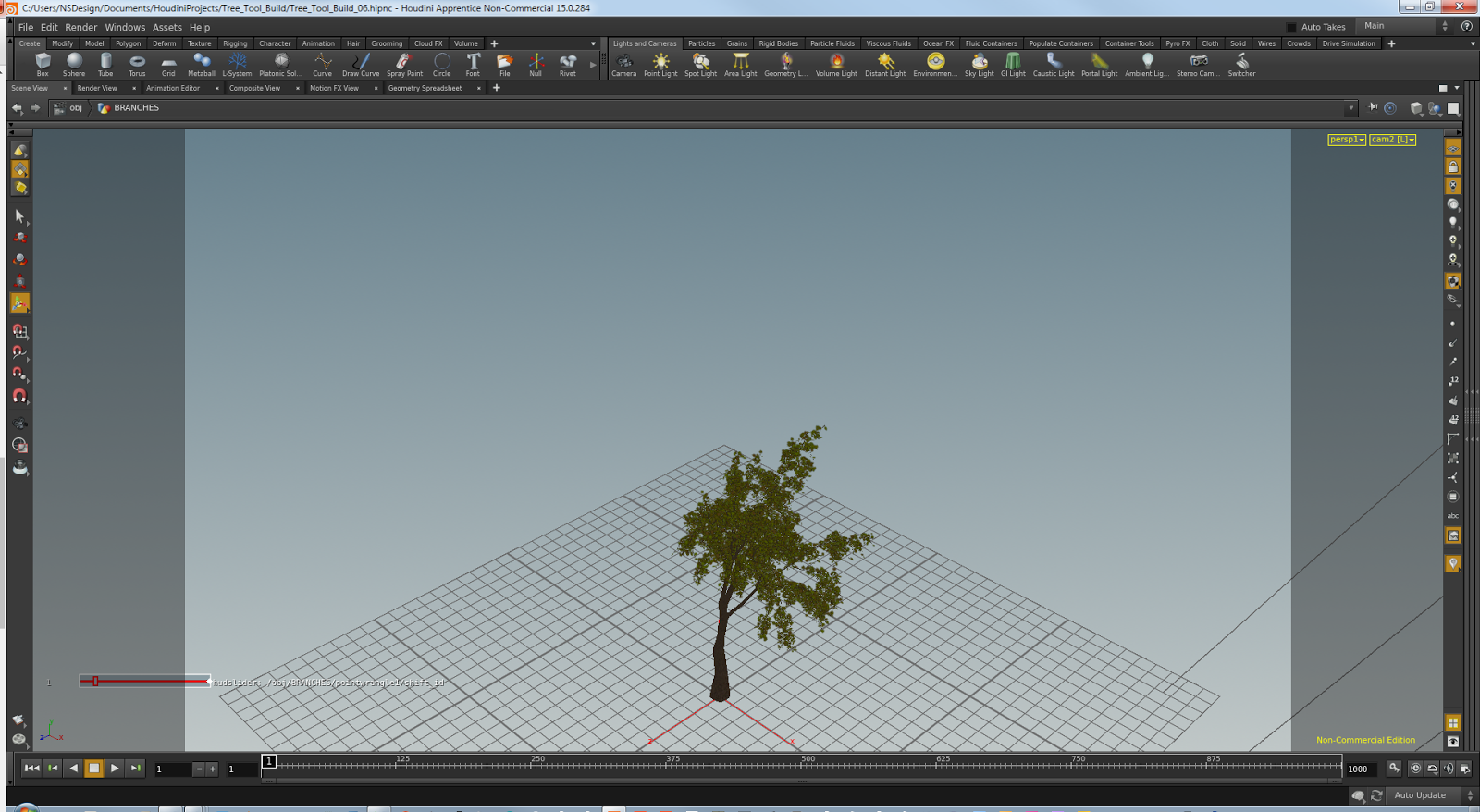
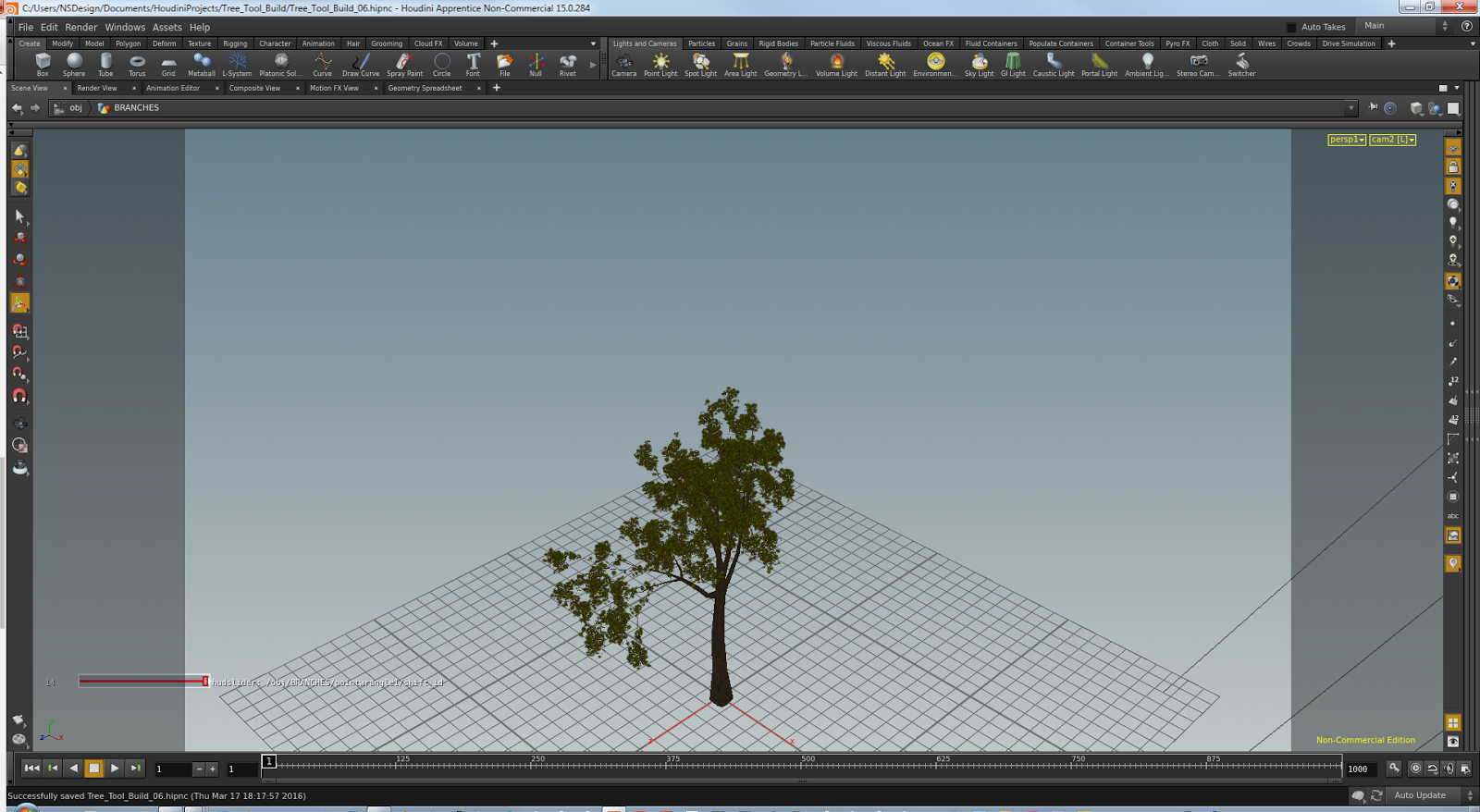
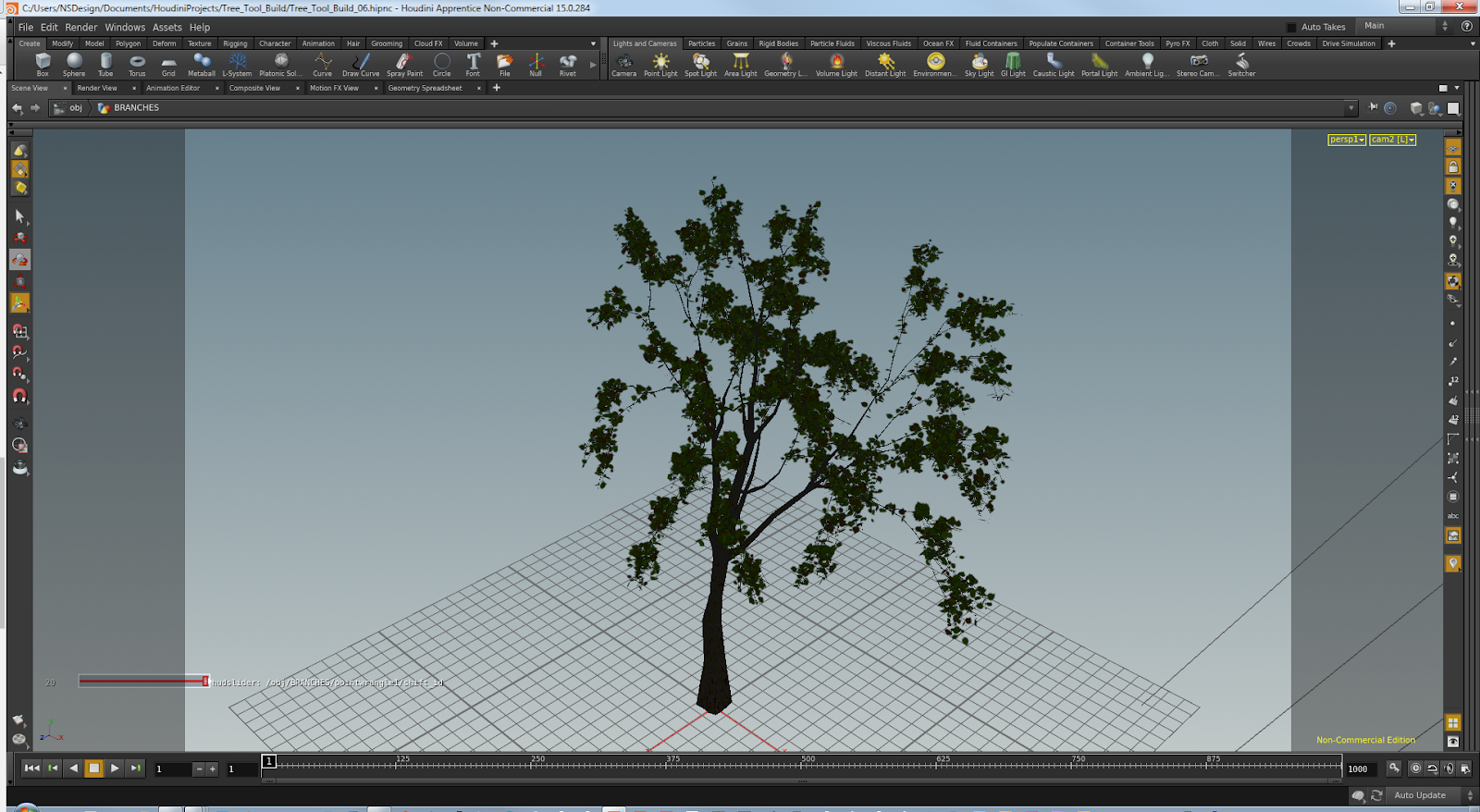
Here's some trees procedurally created with the Tree Maker tool I've been working on. For those that might be interested in the internal implementation detail, it doesn't use l-systems, it's amazing what you can be done with a few nodes, copy sop inside a for loop each and some python code, obviously a bit more to it than that but that's the core of it.












Friday, 9 October 2015
Python hou.runVex()
In a previous post I managed to find and implement the math required to find intersection point between 2 lines in 3D, which was interesting and a challenge.But in that and other situation I often wonder how I can exploit Houdini more when it comes to this kind of math, as Houdini's nodes already implement so much. Quite commonly cases arise where I'd like to run some python code against a node, ie. Invoke a node, pass some geometry and return the output.
That's where I got to thinking that VEX actually has a lot of powerful functions that Houdini's python doesn't, Then I remembered coming across the hou.runVex() method. After spending the best part of a week getting to grips with this workflow, thought I'd write down some of my findings, since there's not much out there on this topic.
Things of note when using hou.runVex(vexfile, inputs)
That's where I got to thinking that VEX actually has a lot of powerful functions that Houdini's python doesn't, Then I remembered coming across the hou.runVex() method. After spending the best part of a week getting to grips with this workflow, thought I'd write down some of my findings, since there's not much out there on this topic.
Things of note when using hou.runVex(vexfile, inputs)
- The inputs argument can't be an empty dictionary, even if there aren't arguments defined on the cvex function.
- I've found that cvex must be the context function, at least when working with the Python SOP. Although don't quote me on that needs more testing.
- When compiling, it's safest to rename the .vfl when changes are made, at least for a successful compilation to vex. e.g.. Say you have a file named attrib.vfl and you compile it to attrib.vex successfully, upon making code changes to the .vfl it's safer to rename the file attrib_01.vfl and compile this to a corresponding .vex file. This will ensure that the vex file reflects the changes.
- There's conditions to passing lists or arrays in the inputs dictionary, they must have the same length and each lists items must be of the same type.
- Also related to input arguments having length > 1 , e.g. Lists or arrays. Theses types will affect the exports/bound variables length, causing outputs to also display matching length even when their default value is of a single value.
- Another point worth noting regarding inputs when using lists is that they effectively form a kind of loop, running the vex code as many times as there are items in the list. This ability could be utilised to emulate functionality akin to the vex/vop nodes parameter run over : points, prims, vertices, detail.
- It also seems, a least for vector type inputs, they must be contained in a list or array type, ie When passing a single vector, it will need to be in an list of 1 item, or the function's input argument default defined in vex will be used. This doesn't seem to be the case with strings or integers, which makes me wonder whether it's due to vector types having native length in it's components.
- This point needs more testing, getting some very strange results which are difficult to track down.I think there is a memory issue, although it could be due to way vex works! Not entirely sure. Can't recall exactly, but in the docs it talks about how vex is compiled and that it doesn't allow for recursive code. One odd effect of running vex via Python in this way, is that you can refer to the returned value before you've made the call. eg
I think there maybe a memory related issue, because although the vex is running as expected, it seems to store the result in memory and that's why the above call to variable "a" before it's definition works, occasionally. Now when I change position values via an upstream transform node, the results of the vex also transform when they definitely shouldn't be. The kicker is when I save the hip with the upstream xform and reopen the hip the results are as expected. Also the variable ref that was working now doesn't, errors as expected. which brings me back to the vex in memory being the problem.print a a = hou.runVex() This will work fine! Then again it doesn't, as it shouldn't.
In Short, It works! Mostly.
As long as the above points are considered, hou.runVex() should work as expected. This workflow has the potential to be very helpful and powerful, which I'd like to use more often. Though the last point is a bit of a concern.
As long as the above points are considered, hou.runVex() should work as expected. This workflow has the potential to be very helpful and powerful, which I'd like to use more often. Though the last point is a bit of a concern.
Monday, 9 February 2015
Matrix Rotation
Here are 2 examples of using a matrix to perform rotation of an object about a pivot point, implemented in the VOP SOP context and VEX code in both the point and attribute wrangle nodes.


Monday, 19 January 2015
Get Primitive's Points with VEX
Note:
Code below was developed for Houdini 13
Since Houdini 14 the primpoints(int input, int @primnum); function returns an array of points per primitive. Obviously a much better solution

Attribute Wrangle in Detail Attribute mode
The following VEX code returns the points associated with the given primitive. In this case the primitive is chosen based on the proximity to the current point, using the xyzdist() function, where the first argument is the geometry containing the primitives to test against the current point, argument defined as "1" gives access to the second input of the attribute wrangle node.
i@prim;
v@uv;
float dist = xyzdist(1, @P, @prim, @uv);
//Above gets the prim(n) and prim(uv) for a given point position
//Also the distance between the given point and the prim returned
//Although all we really need is the primitive number
//--
//Create array to store the primitive's point numbers
int primpoints[];
v@primpoints;//This vector is used to store the 3 points instead of using an array, due to a limit with array attributes.
NOTE:
Basically if you want to access the array in another wrangle further down the chain, you need to use a data type other than an array instead, a vector or matrix can be used to store array like data structures.
//Get the number of vertex for a given prim
int nvtx = primvertexcount(1, @prim);
//Loop over the vertercies to find their associated points
for (int i = 0; i < nvtx; i++){
//Get the linear vertex numbers for the prim(n)
int linearvertex = vertexindex(1, @prim, i);
//Get the point number from the linear vertex number
int vertexpoint = vertexpoint(1, linearvertex);
//Put point numbers into the points array
primpoints[i] = vertexpoint;
@primpoints[i] = vertexpoint;
}
//Display primitive's point numbers
//printf("%g \n", points);
Code below was developed for Houdini 13
Since Houdini 14 the primpoints(int input, int @primnum); function returns an array of points per primitive. Obviously a much better solution
The following VEX code returns the points associated with the given primitive. In this case the primitive is chosen based on the proximity to the current point, using the xyzdist() function, where the first argument is the geometry containing the primitives to test against the current point, argument defined as "1" gives access to the second input of the attribute wrangle node.
i@prim;
v@uv;
float dist = xyzdist(1, @P, @prim, @uv);
//Above gets the prim(n) and prim(uv) for a given point position
//Also the distance between the given point and the prim returned
//Although all we really need is the primitive number
//--
//Create array to store the primitive's point numbers
int primpoints[];
v@primpoints;//This vector is used to store the 3 points instead of using an array, due to a limit with array attributes.
NOTE:
Basically if you want to access the array in another wrangle further down the chain, you need to use a data type other than an array instead, a vector or matrix can be used to store array like data structures.
//Get the number of vertex for a given prim
int nvtx = primvertexcount(1, @prim);
//Loop over the vertercies to find their associated points
for (int i = 0; i < nvtx; i++){
//Get the linear vertex numbers for the prim(n)
int linearvertex = vertexindex(1, @prim, i);
//Get the point number from the linear vertex number
int vertexpoint = vertexpoint(1, linearvertex);
//Put point numbers into the points array
primpoints[i] = vertexpoint;
@primpoints[i] = vertexpoint;
}
//Display primitive's point numbers
//printf("%g \n", points);
Tuesday, 23 December 2014
Subscribe to:
Posts (Atom)